From Docker Compose Chaos to Kubernetes Clarity
How a 2023 avalanche of server crashes, a very calm-but-not-calm CEO on Slack, and 40 containers running on pure optimism finally pushed me to learn Kubernetes.
From Docker Compose Chaos to Kubernetes Clarity
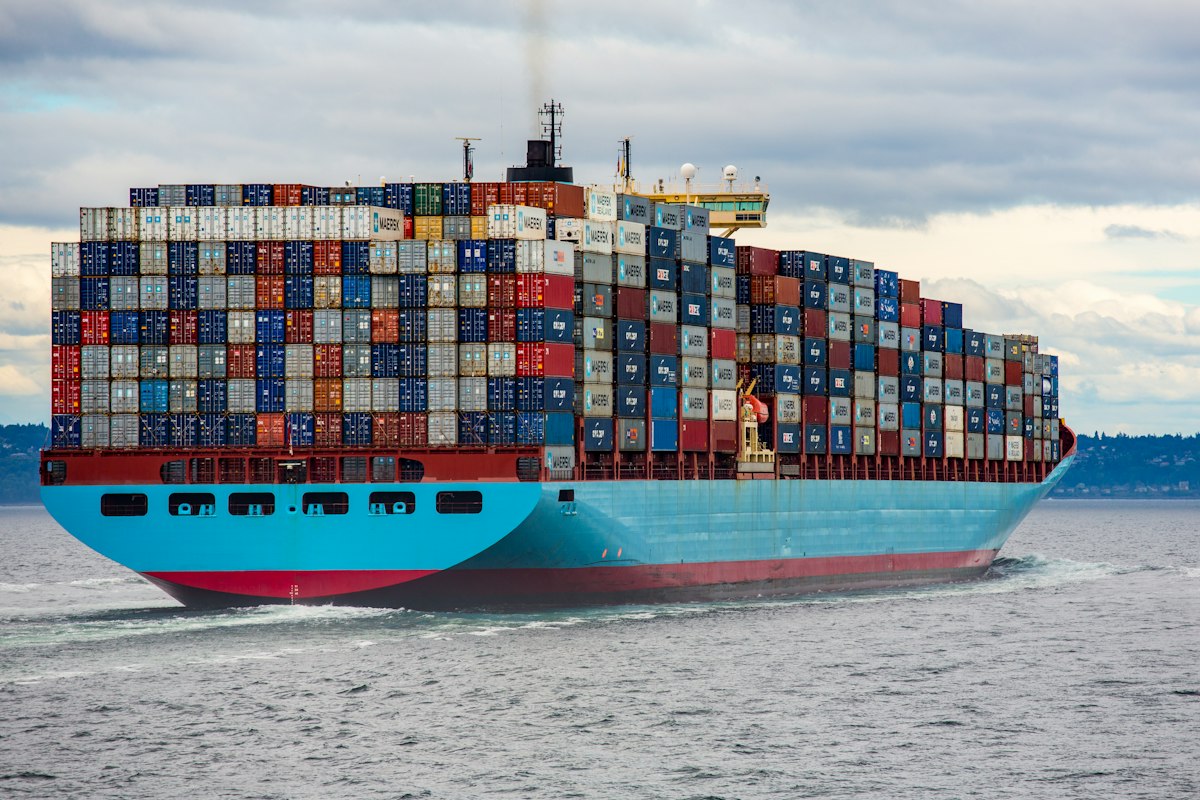
Container ships at a busy port — a fitting metaphor for orchestration
It was sometime in 2023. Our platform was collapsing regularly. Not "once in a blue moon" regularly. Not "we should probably look into that" regularly. More like "oh it's Tuesday, must be time for another outage" regularly.
A service would go down, the domino effect would start, and the CEO would come through on Slack with that specific kind of message — the one written in complete sentences, no typos, suspiciously calm — asking why the site was unreachable. We were losing customers. The team was running on caffeine and collective despair. Our stand-ups had a recurring item simply called "the crashes." No further elaboration needed. Everyone knew.
Every time, I'd SSH into our single production VM — one EC2 instance, bless its heart, heroically attempting to run 40+ containers via Docker Compose — and find the same wall of container names: half "Restarting", half "Exited (137)". Out of memory. Docker just picking containers to kill like it was hosting a game show nobody signed up for. No orchestration. No self-healing. Just me running docker compose up -d and typing "should be back up now" in the team chat like everything was fine.
It was not fine.
That period broke something in me. In a good way. I opened a browser tab to the Kubernetes docs and did not close it for three months.
Why Docker Compose Was Never Going to Scale
Docker Compose was genuinely perfect when we had five microservices. One docker-compose.yml, a few environment variables, and we were up. Deploys were simple: git pull, docker compose up -d --build. It felt clean. It felt sustainable. It was lying to us.
Then the product grew. New services every few weeks — a message queue here, a caching layer there, a background worker, two more APIs. By the time we hit 40+ containers, the docker-compose.yml was over 800 lines long. Health checks that didn't actually work. Memory limits that weren't enforced. Restart policies that were, to put it charitably, optimistic.
The core problems:
The Kubernetes Learning Curve Is Real (And I Mean Real)
I will be honest: the Kubernetes documentation almost broke me.
I opened the concepts page expecting "here is a container, connect it like this." Instead I found etcd, API servers, schedulers, kubelets, control planes, worker nodes — before I had run a single command. Kubernetes doesn't ease you in. It hands you a 400-page manual and says "good luck, you seem smart."
The biggest early confusion was Pods vs Containers. Coming from Docker, I thought of a container as the atomic unit. In Kubernetes, that unit is a Pod. The key insight I eventually reached: a Pod is not a container — it's an environment in which containers run. Once that clicked, a lot of other things started making sense.
The second lesson was ephemerality. In Docker Compose, a restarted container was the same container. In Kubernetes, Pods are designed to die and be replaced — new Pod, new IP, empty filesystem. This is not a bug. It's what enables self-healing. But it completely rewires how you think about running services.
Deployments vs Bare Pods: The Most Important Early Lesson
Never run bare Pods in production. Ever.
A bare Pod is not managed by anything. If the node it runs on dies, the Pod is gone. If the Pod crashes, it is gone. There is nothing watching it, nothing to reschedule it, nothing to ensure your desired state is maintained.
A Deployment is what you actually want. A Deployment is a higher-level object that manages a ReplicaSet, which in turn manages Pods. You tell the Deployment "I want 3 replicas of this Pod spec," and Kubernetes ensures there are always 3 running. If one crashes, the Deployment controller notices the actual state (2 running) does not match the desired state (3 running), and it schedules a new Pod. This is the self-healing you hear about.
apiVersion: apps/v1
kind: Deployment
metadata:
  name: api-server
  namespace: production
spec:
  replicas: 3
  selector:
    matchLabels:
      app: api-server
  template:
    metadata:
      labels:
        app: api-server
    spec:
      containers:
        - name: api-server
          image: myrepo/api-server:v1.4.2
          ports:
            - containerPort: 8080
          resources:
            requests:
              memory: "256Mi"
              cpu: "250m"
            limits:
              memory: "512Mi"
              cpu: "500m"
          livenessProbe:
            httpGet:
              path: /healthz
              port: 8080
            initialDelaySeconds: 15
            periodSeconds: 10
          readinessProbe:
            httpGet:
              path: /ready
              port: 8080
            initialDelaySeconds: 5
            periodSeconds: 5
This single YAML does what took me dozens of lines of Compose config and a manual restart script: it runs 3 replicas, monitors their health, restarts unhealthy ones, and manages rolling updates when you change the image tag.
A Few Things Worth Knowing Early
Services give your Pods a stable network address. Pods get new IPs every time they restart — you can't hardcode that. A Service sits in front and routes traffic to whichever Pods are healthy. ClusterIP for internal communication, LoadBalancer when you need to expose something to the internet.
ConfigMaps and Secrets replace the .env file you were manually maintaining on the server. ConfigMaps for non-sensitive config, Secrets for passwords and keys. One important note: base64-encoding is not encryption. For production, use External Secrets Operator with AWS Secrets Manager or Vault. Do not store real secrets in Git — I shouldn't have to say that, and yet.
Helm becomes essential the moment you have more than two services. After a few weeks of raw YAML, I noticed 80% of every Deployment file was identical across services. Helm lets you write one chart and swap values per service. Deploying a new microservice went from "copy this 200-line YAML and change 15 things carefully" to "copy this 20-line values file and change 5 things." That alone is worth the learning curve.
The Moment It Clicked
About two months into learning Kubernetes, I was doing a demo for the engineering team. I had a Deployment running with 3 replicas. Mid-demo, I opened a second terminal and ran kubectl delete pod api-server-7d9f8b-xkp2q — I killed one of the Pods live, in front of everyone.
Before I could finish explaining what I had just done, Kubernetes had already scheduled a replacement. The Deployment controller noticed it had 2 running instead of 3, found a node with capacity, and started a new Pod. By the time I switched back to the first terminal, kubectl get pods showed 3 running again. Total elapsed time: about 12 seconds.
I did not have to SSH into anything. I did not have to run a restart command. The system just fixed itself. That was the moment the abstract promise of self-healing became real. That was the moment I became a convert.
Strong Recommendation: Start with a Managed Cluster
If you are starting your Kubernetes journey for a real production workload, do not self-manage the control plane. EKS (AWS), GKE (Google Cloud), and AKS (Azure) all provide managed Kubernetes where the control plane — etcd, the API server, the scheduler — is handled for you.
Self-managing a Kubernetes control plane is a significant operational burden. etcd backups, certificate rotation, API server upgrades — these are all problems that AWS/GCP/Azure have already solved. Your job is to run workloads, not to babysit a control plane.
Start with EKS or GKE. Learn the workload-level concepts first. Only consider self-managed clusters if you have specific compliance requirements or are on bare metal.
Where I Am Now
That chaotic stretch in 2023 was one of the best things that happened to my career — which is a strange thing to say about a period defined by broken deploys and a very stressed leadership team. But the pain of it made me learn something that fundamentally changed how I think about running distributed systems.
Kubernetes is not a silver bullet. It has real operational complexity. But it gives you primitives that make production reliability actually achievable — self-healing, rolling updates, real health management — in a way that Docker Compose, with all its charm, simply cannot.
The journey from "I don't understand what a Pod is" to writing Helm charts and configuring RBAC took about three months of consistent effort. If you're at the beginning of that journey right now: stay with it. The crashes will stop. Eventually.
More Stories
200 Databases, One Pipeline: A Kafka & Debezium War Story
A VP said "Can't you just, like, combine them?" There were 200+ store MySQL databases. I smiled and said sure. Here's what actually happened.
9 min read →Story2025 in Retrospect
The last day of the year. Reflections on habits, discipline, growth, and the messy journey of becoming better. Here's to doing it, not just saying it.
4 min read →